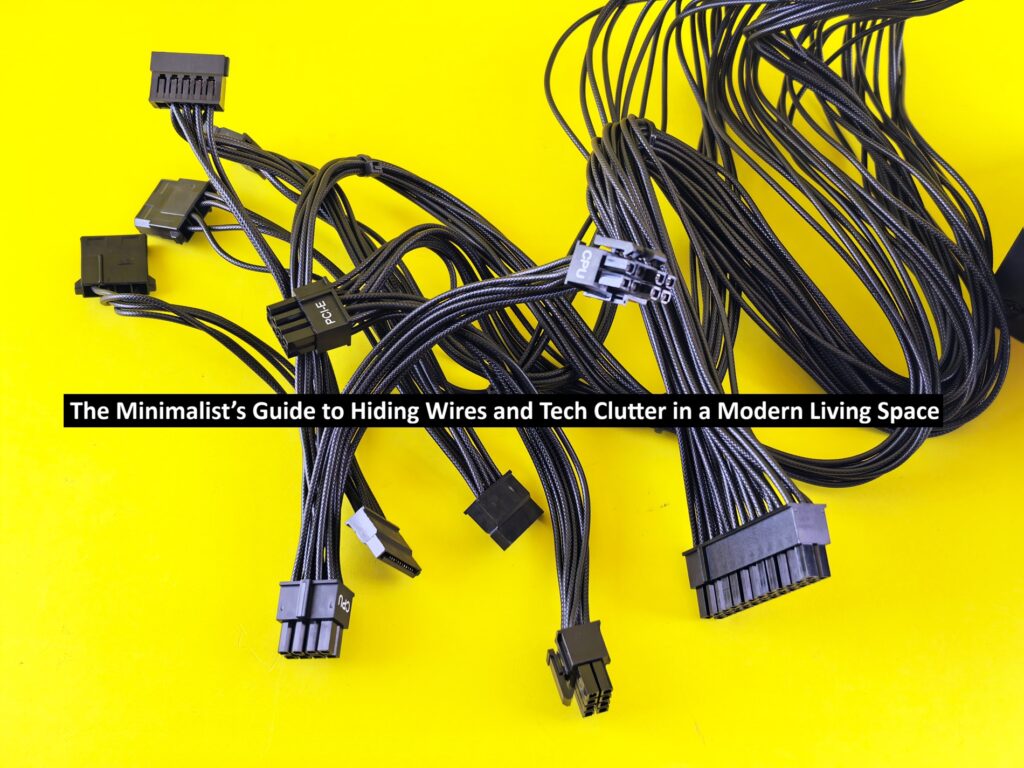
The Minimalist’s Guide to Hiding Wires and Tech Clutter in a Modern Living Space
Minimalist rooms should feel calm and open. But when you add a television, router, game console, speakers, chargers, a laptop dock, and half a dozen power cords, suddenly the cleanest room in the house has a viper’s nest of cables collecting dust behind the media console. The good news is that you don’t need to give up useful technology to keep a modern space visually quiet. You need a system for deciding what stays visible, what gets hidden, and where every wire is supposed to go.
“A minimalist room should look quiet, even when the tech is busy.”
Start by Removing Tech You Don’t Actually Use
Cable management works best after a quick utility audit. After all, modern computing sometimes offers surprising options to replace hardware with cloud solutions. Before buying a huge pile of new accessories, inventory everything and evaluate whether you still need it. Outdated and useless tech creates needless clutter regardless of how well the cords are hidden.
Once you know what stays, group devices by zone. A media console can handle entertainment equipment, a small desk can hold work gear, and a bedside table can handle personal charging. Fewer tech zones means fewer cords in the open.
Route Cables Along the Architecture
The easiest wires to ignore follow lines you already expect. Run cords along furniture backs, baseboards, desk undersides, or the edges of cabinets. Accessories like adhesive clips and raceways make keeping cables in order simple and affordable.
For wall-mounted TVs, plan your hookups before putting up the screen. If you rent your space or simply don’t want to damage a wall, a surface raceway blends in more than a loose cord.
Punch line: the shortest visible cable is usually the best-looking cable.
Hide Power Strips, Not Heat
A ventilated media cabinet hides a power strip and cord, but be careful not to seal off heat-producing adapters. Leave space around routers, game systems, streaming boxes, and power bricks.
Electrical safety matters here. Extension cords have specific safety characteristics to reduce shock and fire risks. Avoid damaged cords, overloaded outlets, and improvised wiring. If you need power somewhere new in your home, that’s a job for a qualified electrician, not a chain of jerry-rigged power cables or a DIY YouTube video.
Read: Market Research Skills Every Business Professional Needs
Use Furniture as Part of Your Plan
Modern appointments are more than a piece of wood to set a device on. Media consoles with closed backs, desks with modesty panels, or side tables with built-in charging cut down on excess open cords. You can modify furnishings you already own with added trays, hook-and-loop straps, or a small opening in the back to make them more cable-friendly.
This is also where minimalism meets smart tech buying. Choose devices that replace several separate boxes, support wireless connections where they are dependable, or reduce the number of chargers you need to leave out.
Create One Charging Home Base
Scattered charging cables make a room feel unfinished. Pick a single place to consolidate your daily devices. A drawer with cable pass-through or a tray near an outlet keeps things efficient. Label the ends of similar cables if you constantly unplug them, and coil only the extra length you actually need.
If energy use is part of your cleanup goal, the U.S. Department of Energy recommends power strips and smart plugs as tools for cutting standby power from electronics that continue drawing energy while plugged in. A single accessible power control can also make a tech zone easier to shut down when you are finished with it.
Keep Work From Home Gear Visually Temporary

A living room that doubles as an office can become cluttered fast because work equipment tends to spread. Give the workday a defined footprint. Store and attach your laptop and all of its accessories in one spot. When work ends, quickly being able to reset to leisure mode is a lifesaver.
That rule also applies to all your conference gear. Choose equipment that can be routed through the same cable path as the rest of your setup and left in a consistent position instead of needing to be rebuilt for every meeting.
A well-planned video conference camera setup makes polished calls without dictating conditions to your living room. Ultimately, a minimalist space doesn’t need to be tech-free, just tech-smart. Put your devices in the right places, run cables carefully, and keep matching gear together. A well-organized room makes technology easier to use, not simply harder to see.